# Setting Up and Managing AI Integration
This guide explains how to configure the AI integration feature powered by OpenAI.
# Configuring the Connection to OpenAI
Refer to OpenAI's help documentation for instructions on obtaining API keys and other necessary information.
- Set the following environment variables:
- Set
AI_ENABLEDtotrue. - Specify the service type in
OPENAI_SERVICE_TYPE.- Example: For
OpenAI, specifyopenai.
- Example: For
- Set
OPENAI_API_KEYto the API key obtained from the OpenAI service. - (Optional) Specify
OPENAI_LIMIT_LEARNABLE_PAGE_COUNT_PER_ASSISTANTto set the maximum number of pages that a single Knowledge Assistant can learn (default is 3000)
- Set
# Knowledge Assistant Feature
# Verifying Connection in the Application
If the environment variables required for the Knowledge Assistant are set, the "AI" icon will appear on the left sidebar of the GROWI screen.
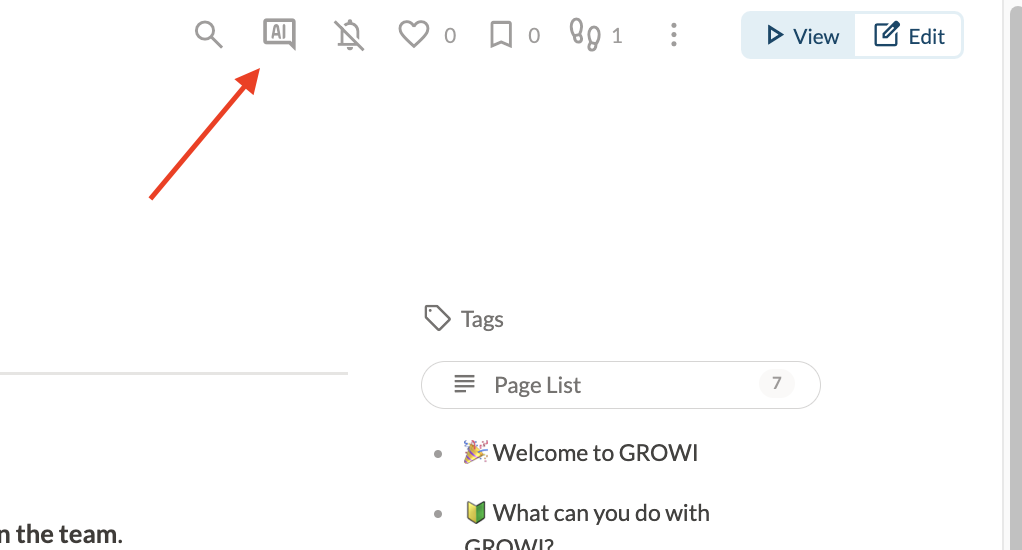
- If an error message indicates a connection failure despite the environment variables being correctly set, recheck OpenAI's status and the integration settings.